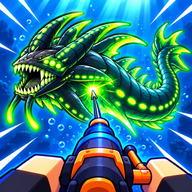
Harpoon a Fish Controller and Console Support
Harpoon a Fish is a Roblox experience, so console play depends on Roblox on Xbox and PlayStation. See what is and is not confirmed.
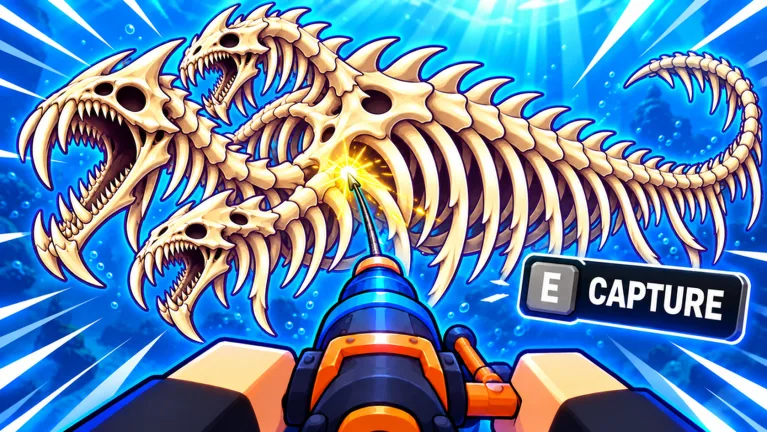
Can You Play Harpoon a Fish With a Controller on Console?
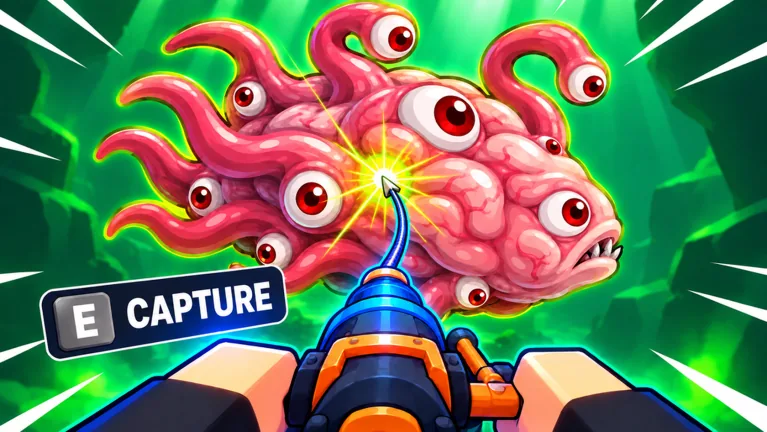
There is no official statement that Harpoon a Fish supports controllers, and its game page does not say which devices the experience supports. Roblox itself runs on Windows, Mac, iOS, Android, Xbox and PlayStation, but the presence of a Roblox console app does not confirm that this particular experience is playable or comfortable with a controller. As of the page data recorded on 2026-11-03, no controller or console support detail appears in the official listing.
What the Official Page Says
The Roblox page for Harpoon a Fish lists the creator (the FirstTry group), the genre (Simulation and Tycoon), a free price, and a server size of six players. It also carries 11+ official badges and the creator's description, which covers aiming, firing, timing reels, stealing fish, and growing pets in an aquarium.
Nothing on that page addresses input devices. The page also does not specify supported platforms for the experience itself, so any claim that it works on Xbox or PlayStation would go beyond what is officially documented.
What Third-Party Guides Describe
A beginner's guide on Sportskeeda lists keyboard and mouse controls: W, A, S, D to move, Spacebar to jump, E to interact, the left mouse button to fire the harpoon while underwater, and the mouse wheel to change depth while underwater. That guide does not mention controller bindings, so it offers no evidence either way for console play.
The same guide says the harpoon minigame involves timing button presses while a cursor sits within a highlighted area, and that the cursor moves faster for rarer fish. Whether that style of timing challenge feels workable on a gamepad is a matter of player preference, not something officially documented.
Why a Roblox Console App Isn't Enough
Roblox's platform list describes where the Roblox application is available, not what every experience supports. Experiences can differ in how well they handle gamepad input, and the Harpoon a Fish page provides no statement on the subject. A clip page such as Medal.tv's Harpoon a Fish page reproduces the creator's description but adds no input or platform information of its own.
How to Check for Yourself
Because official information is missing, the practical answer is to test it in the app:
- Open the experience on your console through Roblox and see whether a controller responds.
- Look through the in-game Settings menu for input or control options; whether such options exist is not documented officially.
- Compare the on-screen prompts with the keyboard and mouse controls listed by Sportskeeda, since those are the only controls described by a third-party guide.
If controller input does not work, the experience may still be reachable through Roblox's own platform options, but that is a Roblox-level feature rather than a documented Harpoon a Fish feature. Treat any definitive console-support claim as unconfirmed until the creator states it on the game page.
Related guides
Related Guides
Harpoon a Fish Multiplayer: How Many Players Per Server
Harpoon a Fish supports up to six players per server on Roblox, with stealing mechanics built around other players' catches.
Is Harpoon a Fish Free to Play? Price and Access
Harpoon a Fish is free to play on Roblox. See the official price status and how access works through the Roblox platform.

What Devices Can You Play Harpoon a Fish On?
Harpoon a Fish runs on Roblox, which supports Windows, Mac, iOS, Android, Xbox, and PlayStation. See what the game page confirms.