Harpoon a Fish Videos and Clips: Where to Watch
Watch Harpoon a Fish gameplay clips on Medal.tv, showing the official title and description with real player footage of the game.
Where to watch Harpoon a Fish gameplay
One place to find Harpoon a Fish clips is the game's page on Medal.tv, a video-sharing site that hosts player-recorded Roblox clips: medal.tv's Harpoon a Fish page. According to that page, no clips had been posted to it yet at the time it was viewed, so it may not be a busy source of footage right now. No specific channel or creator is officially documented as a Harpoon a Fish video source.
What the Medal.tv page does contain
Even without clips, the page reproduces the official game page description and links back to Roblox, so it confirms the kind of gameplay you would be looking for:
- Catching sea monsters by aiming and firing a harpoon.
- Timing reels to pull in fish.
- Stealing fish from other players.
- Placing caught fish in an aquarium and growing them.
- Working through an index of over 1,800 unique fish.
That description matches what is written on the game's own Roblox page, so the page is useful as a quick summary of the experience even before any videos are uploaded.
What to expect in gameplay footage
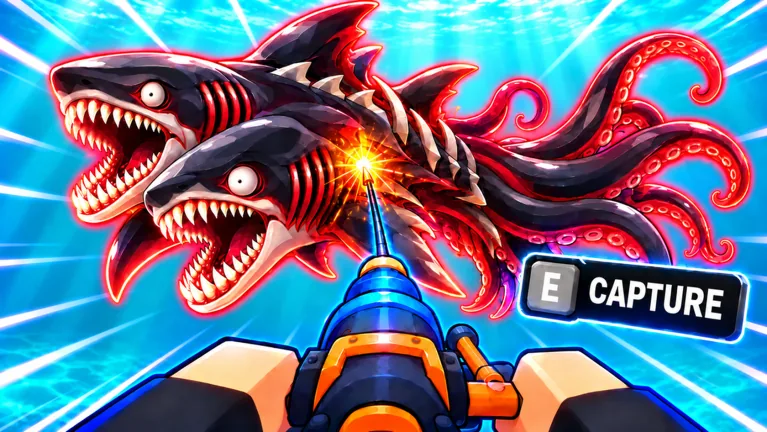
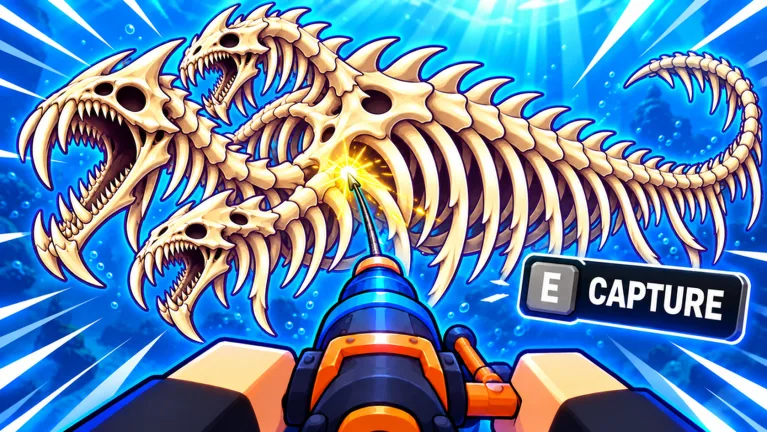
The official description sets out the harpoon loop in a few steps: aim at a target and fire, time your reels to pull the fish in, compete to steal from other players, and put caught fish in your aquarium to grow them. A clip page for this game would therefore likely show harpoon shots, reel timing and aquarium results.
Watching on other platforms
According to Medal's own FAQ on that page, its software records Roblox on PC and mobile, saving clips in MP4 format. The game page itself does not say which of Roblox's supported platforms this experience runs on.
A related tip for new viewers and players
If you are watching footage to learn the game, one detail appears in multiple places: the official Roblox description promotes a code, MONSTER, for bonus XP and Ruby Keys. According to GameRant's codes guide, that code is entered through the Settings menu in-game; that redemption method is reported by GameRant and is not stated in the official description. Full details are on the Roblox game page.